Account
Inquiry
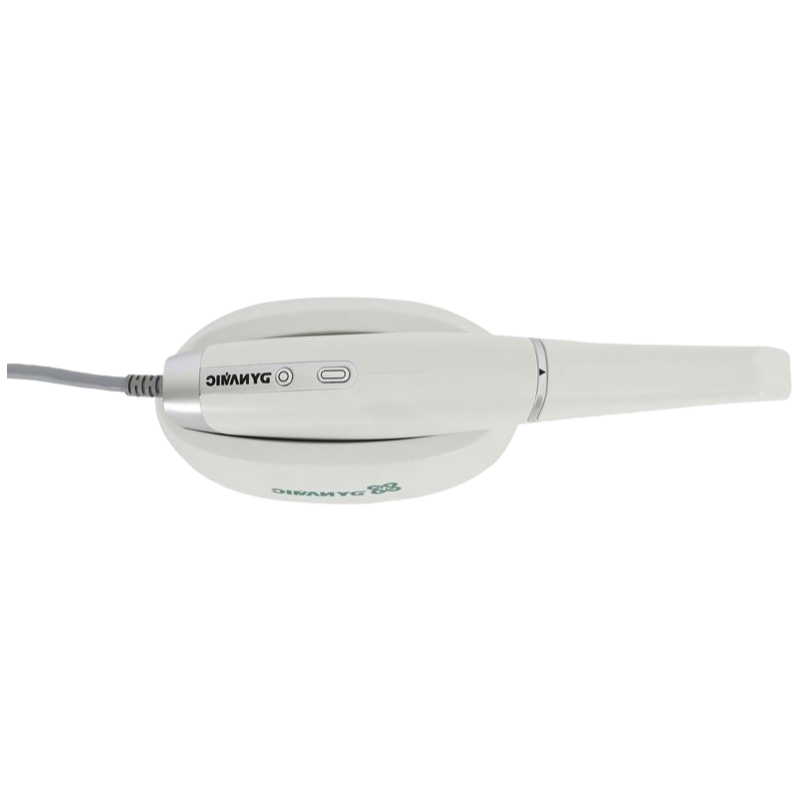
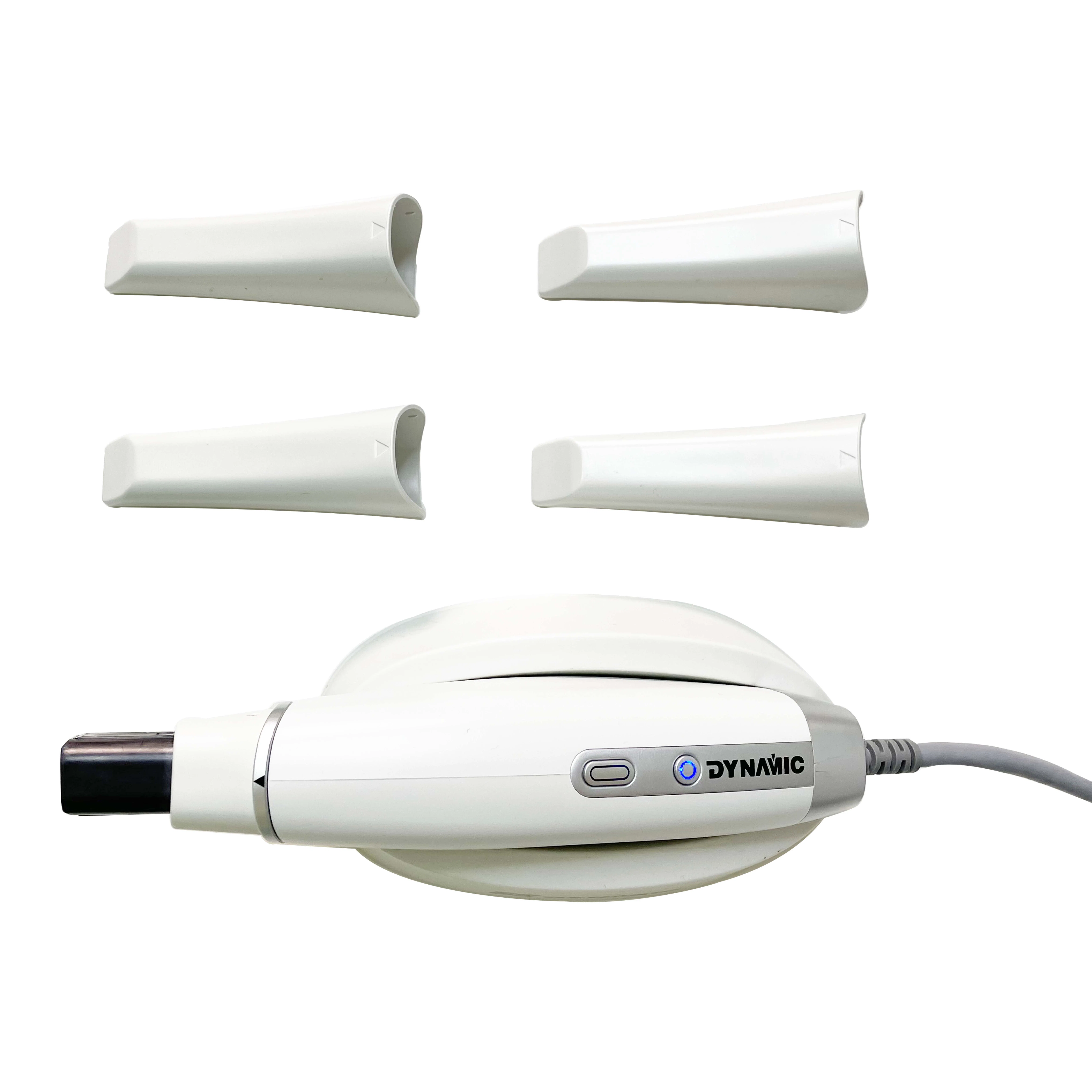
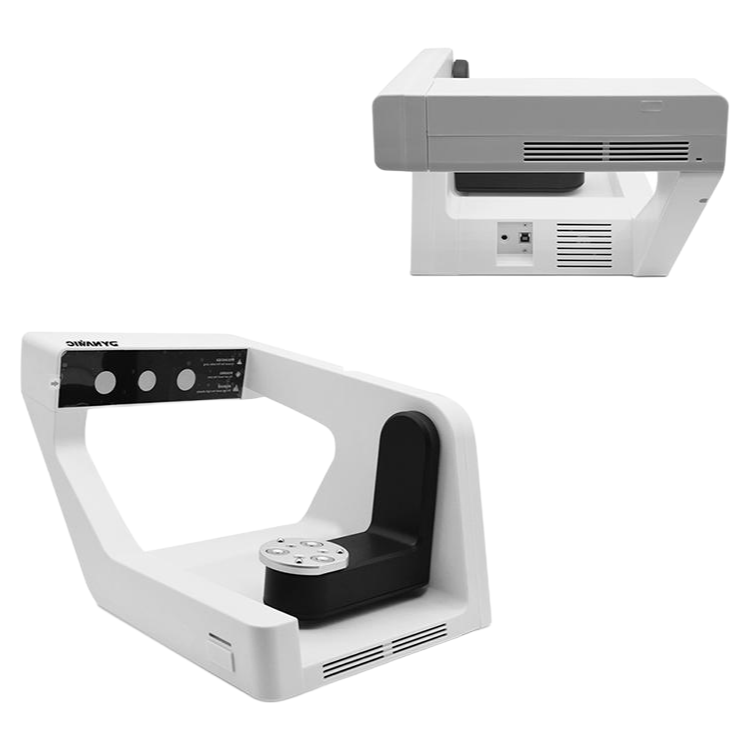
We had been wrestling with impression materail waste and patient gag reflexes for years, so when the procurement team started looking at digital alternatives, comfort with USB 3.0 connectivity was pretty much non-negotiable — we didn't want another dongle or PCIe card situation. The dental clinic director we were sourcing for specifically needed something that wouldn't slow down their existing IT setup, and this scanner fit that box cleanly.
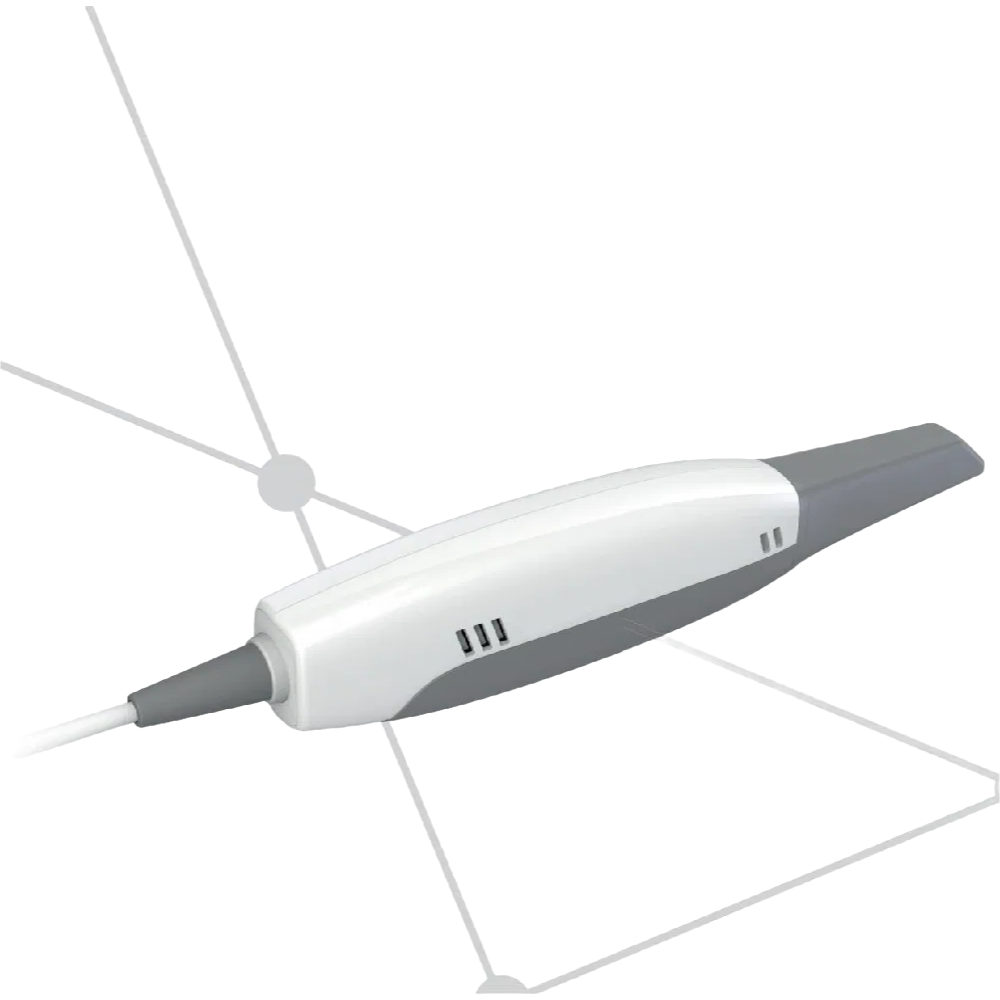
It measures 240 by 39.8 by 57 millimeters, which is compact enough for tight operatory spaces, and teh scan tip itself is about size of a large almond at 60 by 19 by 18.5 millimeters. Weight hits 350 grams or so, so it's light enough for one-handed use during long restorative sessions. The scan area is 14 by 13 millimeters with a 15 millimeter depth — that matters more for full-arch scans than single-tooth work, honestly.
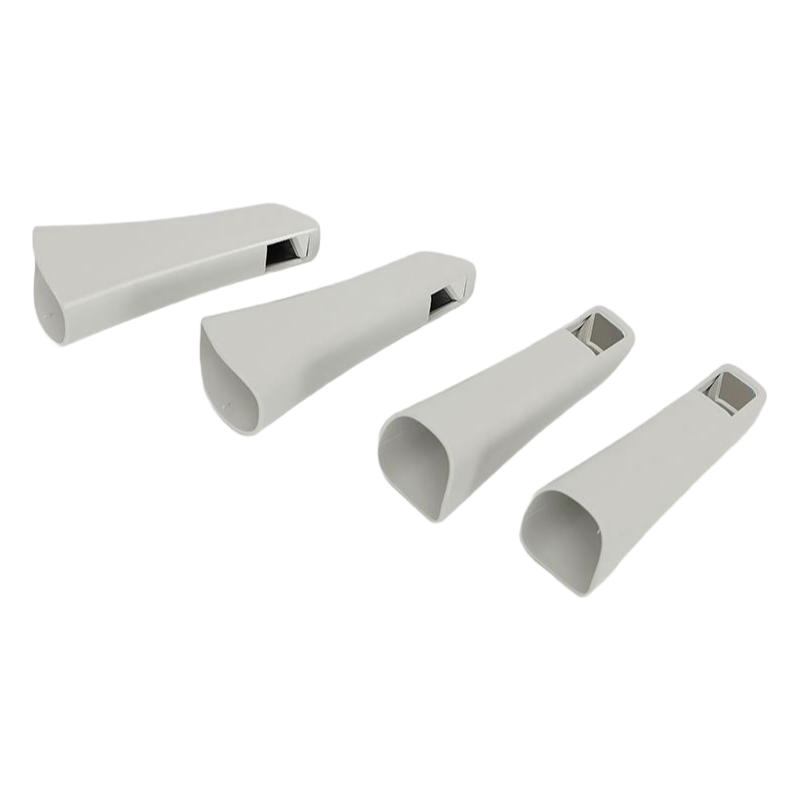
We usually get stock within 20 days or so, but you'll want to confirm lead time on the autoclave-compatble tip sheaths since those run out occasionally. What it does is output STL, PLY, or OBJ, so there's no proprietary format lock-in, which was a key win for their existing CAD software. The 3D HD full color is actually helpful for mucosal scans but overkill if you're just doing crown preps.
Most buyers go with the DDS300 for implant cases specifically, since the 15-millimeter depth handles angulated scan bodies better than earlier generations. But a detail nobody thinks to ask: you need a USB 3.0 card if your PC is older than 2020 or so, because USB 2.0 bandwidth chokes on the color data stream. We've had one lab send it back because they didn't check that first.
Anyway, the unit comes with six language interfaces, which we didn't even inquire about until the ortho team requested Spanish navigation. Certifications include RoHS, ISO, and CE, so import compliance is straightforward for most markets. The scan tip dimnesions (60mm long, roughly) make pediatric scans a little trickier, but for adults in restorative workflow it's actually easier to handle than the brand-name competition.
Our MOQ is typically 10 units per order, but we can discuss smaller trial orders if you're just getting started. Just reach out to our sales team.
Yes, the DDS300 is RoHS, ISO, and CE certified. We can share the certificates and test reports upon request.
The scan tip is autoclave compatible, so you can sterilize it at 134°C for 3 minutes like standard dental tools. No special handling needed.
Yes, it outputs in STL, PLY, and OBJ formats, so you can import scans into most CAD software for restorative, implant, or orthodontic work.
The software supports 6 languages — English, Chinese, Spanish, French, German, and Portuguese — so your team can work in their preferred language.
Fantastic experience overall. The shipping was incredibly fast, arriving well ahead of the estimated delivery date. The packaging was secure and professional, ensuring the scanner was perfectly protected during transit. Regarding quality, the device feels exceptionally solid and well-made. The materials used are premium, and the construction is robust, giving great confidence in its durability. The service from the seller was outstanding; they were responsive, polite, and very helpful in answering my pre-purchase questions promptly. Communication was clear throughout the entire process. While I haven't used the scanner for its intended dental procedures yet, based on the unboxing and initial inspection, the build quality is impressive. The logistical efficiency was remarkable, with real-time tracking updates provided. The seller's customer support team was knowledgeable and courteous, making the post-purchase interaction smooth. The product's physical appearance and finish exceed expectations, suggesting high manufacturing standards. The delivery service was reliable and handled with care. Overall, a very positive transaction focusing on the aspects of delivery speed, product construction, and seller support, which were all executed flawlessly.
Quick delivery and the packaging was very secure. The scanner arrived in perfect condition without any delays. Quality seems excellent right out of the box; it feels sturdy and well-made. Customer service was responsive and helpful when I had a pre-sale inquiry. Overall, a very smooth transaction from start to finish.
The delivery was remarkably swift, arriving ahead of the estimated schedule. Packaging was secure and professional, ensuring the scanner was well-protected. This level of logistical efficiency is truly commendable and sets a high standard. Turning to the product itself, the build quality feels robust and premium. The materials used inspire confidence in its durability for clinical use. The finish is precise, with no apparent flaws or rough edges. Regarding service, the communication from the seller was prompt and helpful. Any pre-delivery inquiries were answered clearly and without delay. The overall experience from order to unboxing was seamless and stress-free. This combination of reliable logistics, solid construction, and attentive support makes the purchasing process highly satisfactory. It reflects a company that values its customers and pays attention to the details that matter most.
Outstanding experience from start to finish. The delivery was remarkably swift and handled with great care; the package arrived ahead of schedule and in pristine condition. Regarding the product itself, the build quality feels exceptionally robust and premium, exactly as described. The scanner has a solid, well-engineered feel that inspires confidence. Customer service was also highly responsive and polite, promptly answering my pre-purchase inquiries. While I haven’t had the chance to use it extensively yet, the initial setup was straightforward. Overall, a very smooth transaction with excellent logistics, apparent high quality, and supportive service. I am thoroughly satisfied with this purchase and the professional handling of the entire process.
Yikes, the shipping was incredibly fast! I was pleasantly surprised when the package arrived two days ahead of the estimated delivery date. The courier service was professional, and the item was packaged with exceptional care, ensuring everything inside was secure and undamaged. Regarding the product itself, the build quality feels robust and premium. It has a solid, well-engineered heft that inspires confidence for clinical use. The materials used seem durable and high-grade. As for customer service, my pre-sales inquiries were handled promptly and thoroughly. The support team was knowledgeable and courteous, providing clear answers to all my questions. The overall experience from ordering to unboxing was seamless and highly satisfactory. This level of attention to logistics, product construction, and client support is commendable and sets a high standard. I am very content with this purchase and the company’s professional handling of the entire process.
Excellent experience from start to finish. The shipping was incredibly fast and the package arrived well-protected and ahead of schedule. The build quality of the scanner itself feels robust and premium, exactly as described. Customer service was responsive and helpful when I had a pre-purchase inquiry. Overall, a very smooth and satisfactory transaction.
Naturally, the delivery process was notably swift and well-handled. The package arrived ahead of the estimated schedule, which was a pleasant surprise. Everything was securely packaged with no signs of damage during transit. Regarding the item itself, the build quality feels robust and premium. The materials used seem durable and well-finished, giving confidence in its longevity. As for customer service, the support team was responsive and courteous when I had a pre-sale inquiry. They provided clear information promptly. Overall, this was a very satisfactory purchasing experience from start to finish. The efficient logistics, apparent product quality, and helpful service all contributed positively. I would certainly consider ordering from this seller again in the future based on this interaction.
Great experience overall. The shipping was incredibly fast and the package arrived well-protected, which was a relief. The scanner itself feels solid and well-made, suggesting good quality materials. Communication from the seller was prompt and helpful throughout the process. While I haven't had a chance to use it extensively yet, the initial setup was straightforward. The scanner was securely packaged, and all the listed accessories were present. The delivery timeline was accurate, and the courier service was efficient. The build quality appears robust, and the finish is professional. Customer service responded quickly to my pre-sale inquiries, which was appreciated. The order was processed without delay, and tracking information was provided promptly. Overall, a very smooth transaction from start to finish. The product arrived in perfect condition, and the packaging was more than adequate to prevent any damage during transit. The seller seems reliable and the product, at first glance, meets expectations regarding its physical construction. The logistical aspect was flawless, and the post-sale support so far has been reassuring. It's clear that care was taken in both the product preparation and the shipping process. A very positive purchasing experience that focused on reliable delivery and apparent product durability.
I recently purchased the USB3.0 Connected Digital Intraoral Scanner DDS300, and I must say, the entire experience was quite positive. Initially, I was a bit apprehensive about ordering dental equipment online, but my concerns were quickly alleviated. Starting with the logistics, the delivery was exceptionally prompt. The package arrived well ahead of the estimated date, which was a pleasant surprise. Everything was securely packaged with ample protective materials, ensuring that the scanner and all its components were in perfect condition upon arrival. There were no signs of damage or mishandling during transit, which speaks volumes about the care taken in the shipping process. The tracking information provided was accurate and updated regularly, allowing me to monitor the shipment’s progress effortlessly. This level of transparency and efficiency in logistics is commendable and certainly set a positive tone for the rest of the experience. Moving on to the quality of the product itself, I am thoroughly impressed. The scanner feels robust and well-constructed, with a sleek design that seems both durable and ergonomic. The materials used appear to be of high grade, and the device has a substantial yet manageable weight, suggesting good craftsmanship. Although I haven’t used it extensively yet, the initial inspection reveals precise manufacturing with no visible defects. The connectors fit snugly, and all accessories included seem genuine and functional. It’s evident that attention to detail was a priority during production, which instills confidence in its longevity and performance. Such quality is essential for dental equipment, and this scanner appears to meet those high standards. Regarding service, the support team was outstanding. From the moment I placed my order, communication was clear and helpful. They promptly confirmed the order and provided all necessary documentation. When I had a question about compatibility, their response was swift, knowledgeable, and courteous. They offered detailed guidance without being pushy, which made me feel valued as a customer. Additionally, the warranty information was clearly outlined, and the overall purchasing process was seamless. This exceptional service complements the product well, ensuring that any potential issues would be addressed efficiently. In summary, the combination of reliable logistics, superior quality, and excellent service made this purchase a satisfying one. I would highly recommend this intraoral scanner to others in the dental field based on these aspects alone.
Yikes, the shipping was incredibly fast, which was a pleasant surprise. The scanner itself feels solid and well-made, the build quality seems excellent right out of the box. However, the customer service communication was a bit slow to respond to my initial setup inquiry, though they were ultimately helpful once they replied. Overall, a positive experience regarding the physical product and delivery speed.